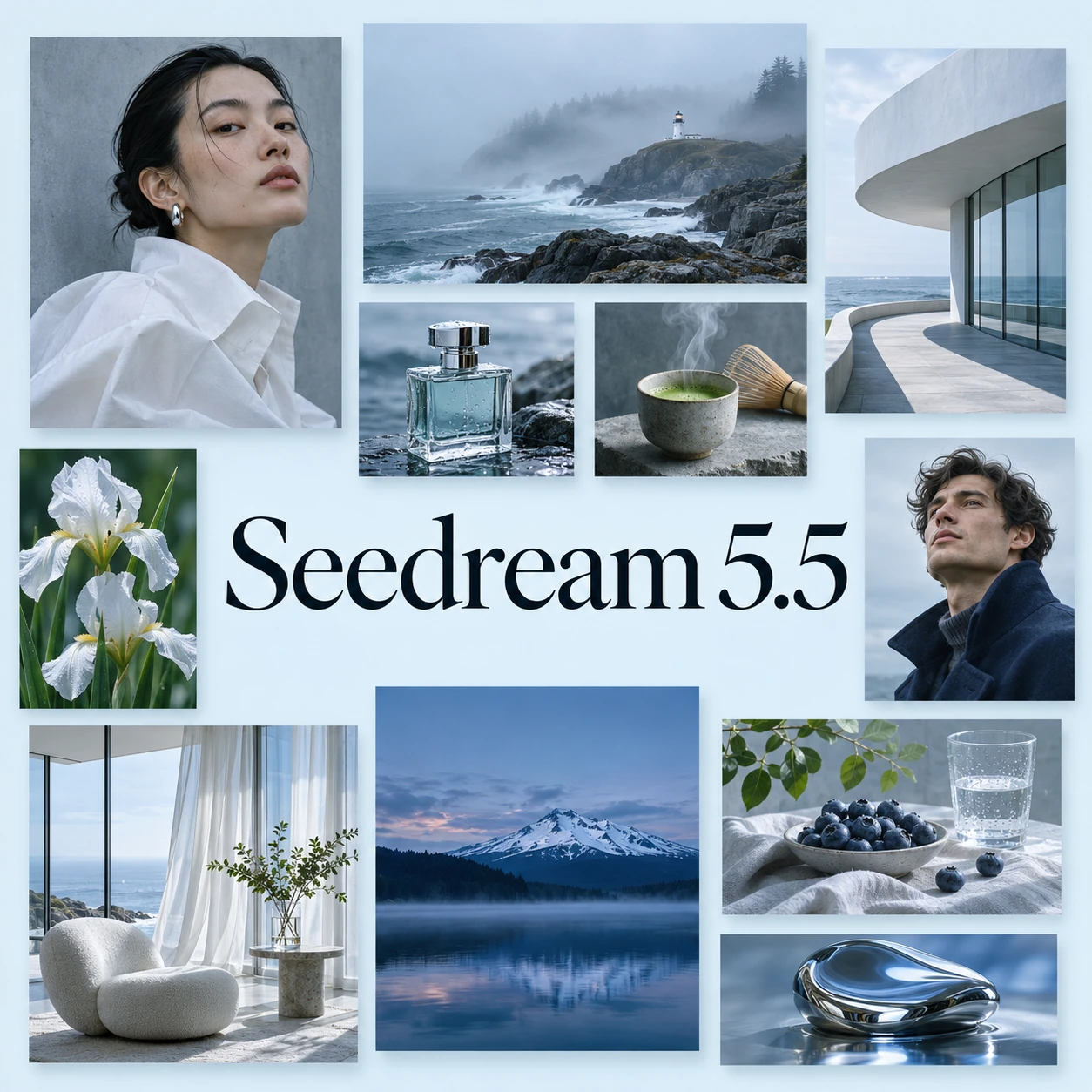
Seedream 5.5

Create detailed images from a prompt or references, then keep refining the parts that matter. Seedream 5.5 combines realistic people and products, precise edits, multilingual lettering and transparent backgrounds, with images up to 4K and individual layers you can reuse in your next design.

Selected model

Seedream 5.5

Add image references
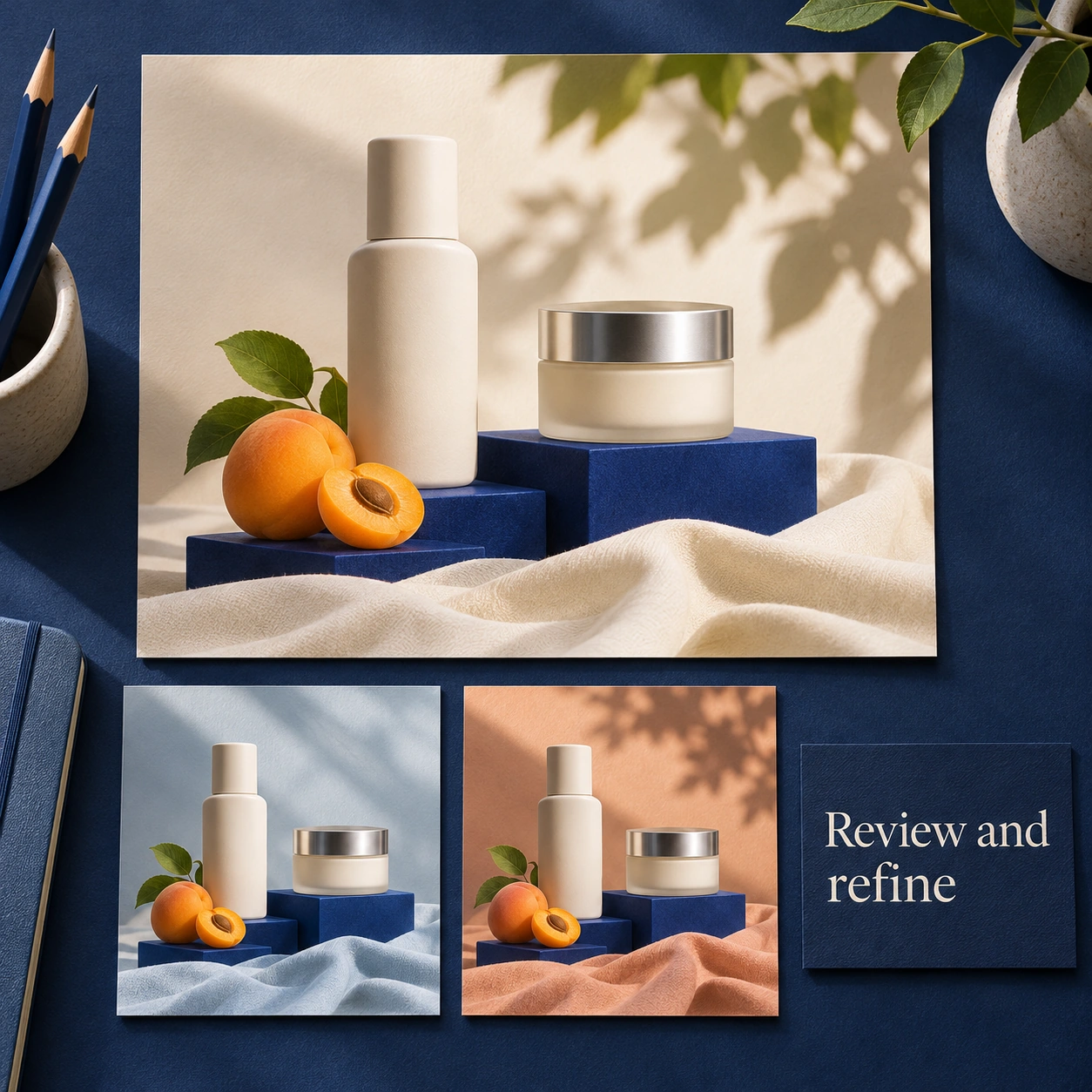
Illustrative skincare campaign with ivory ceramic packaging, blue plinths and warm natural light

Key Features of Seedream 5.5

Edit selected details, compose realistic scenes and create text or transparent elements that belong in a finished design.

Refine Colors and Materials Across Multiple Edits

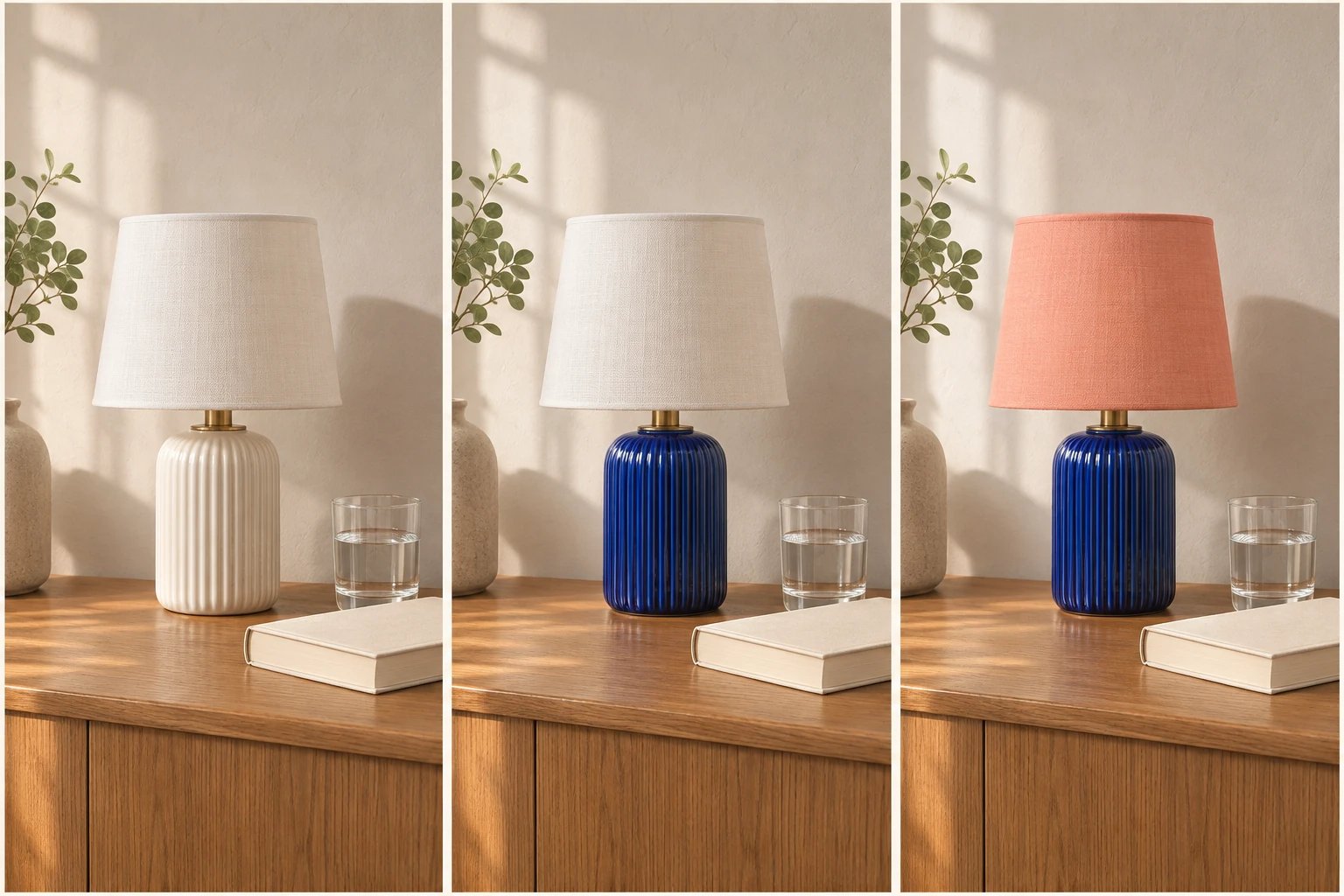
A useful first image often needs a few changes. Seedream 5.5 lets you adjust a lamp's glaze, replace its fabric shade or try a different product finish across successive edits. Name the detail that should change and the surroundings you want to preserve. Each revision builds on the same composition, making it easier to compare options without rebuilding the scene from the beginning.

Try Seedream 5.5
Bring People and Products into the Same Scene

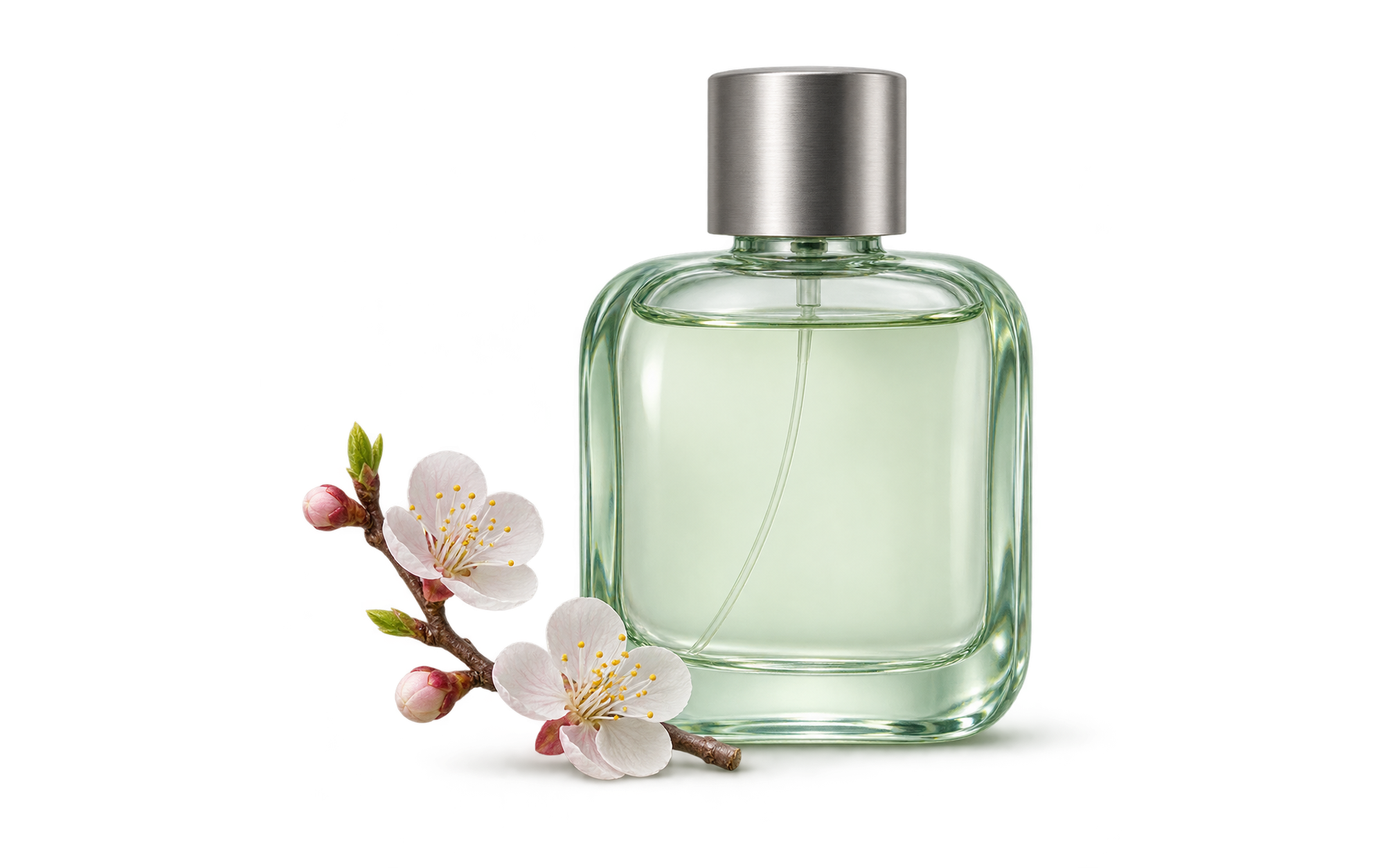
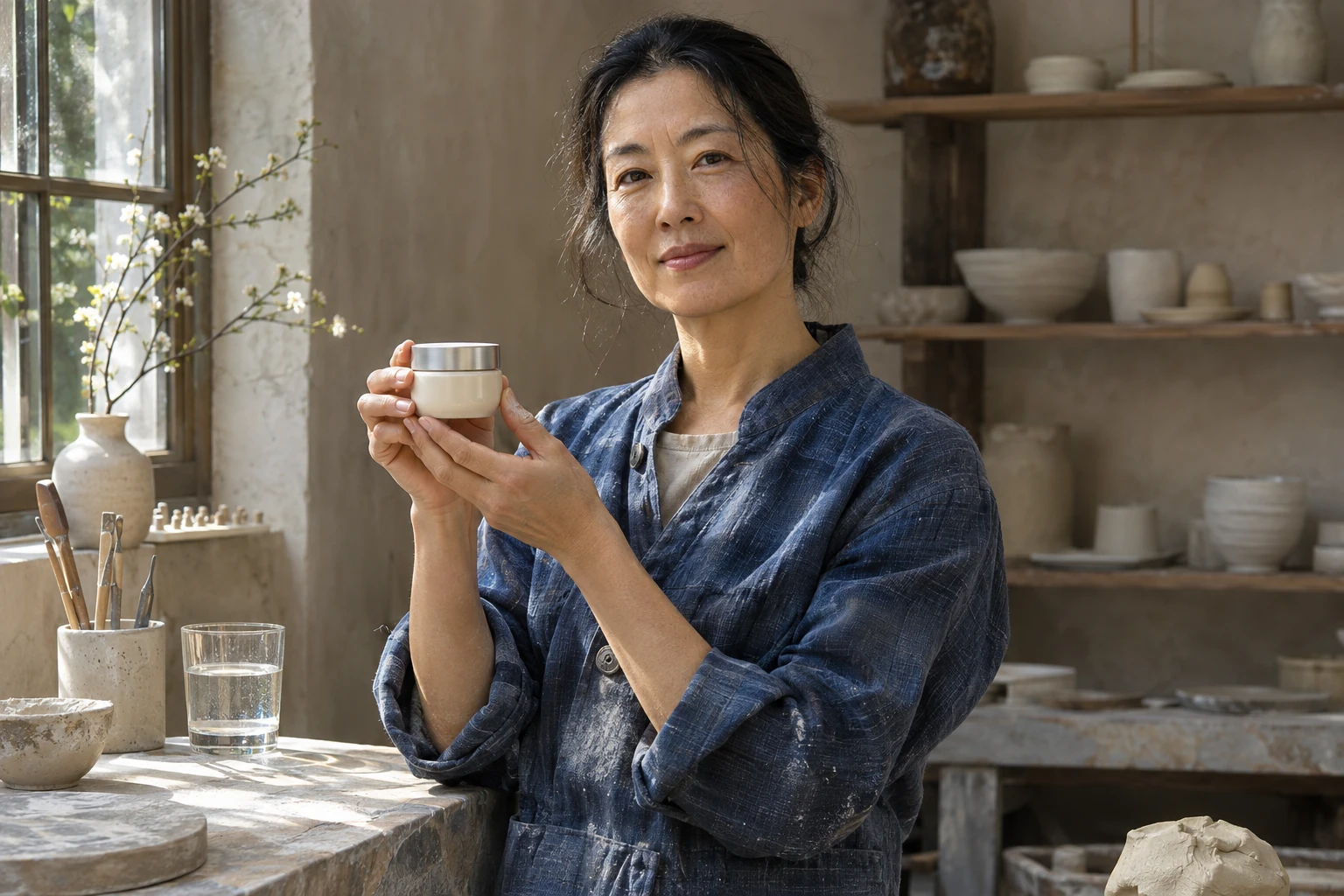
Combine a person, a product and a setting from your references, then describe how they should fit together. Seedream 5.5 renders skin, ceramic, glass and fabric with the light and texture that give a photograph its character. Use it to explore a creator holding a product, a portrait in a workshop or a campaign scene where the subject and object need to feel naturally connected.

Try Seedream 5.5

Render Multilingual Labels and Readable Small Text

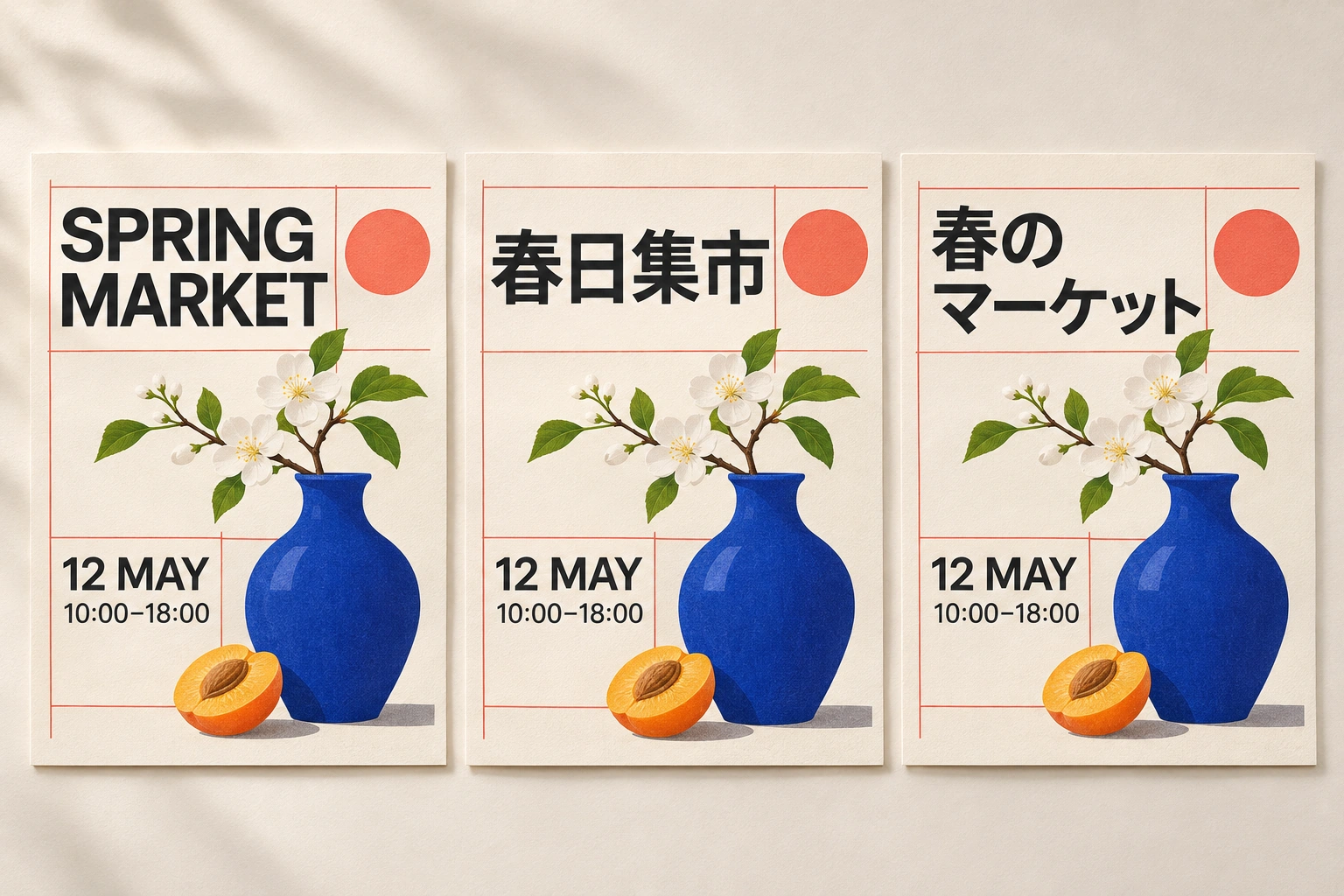
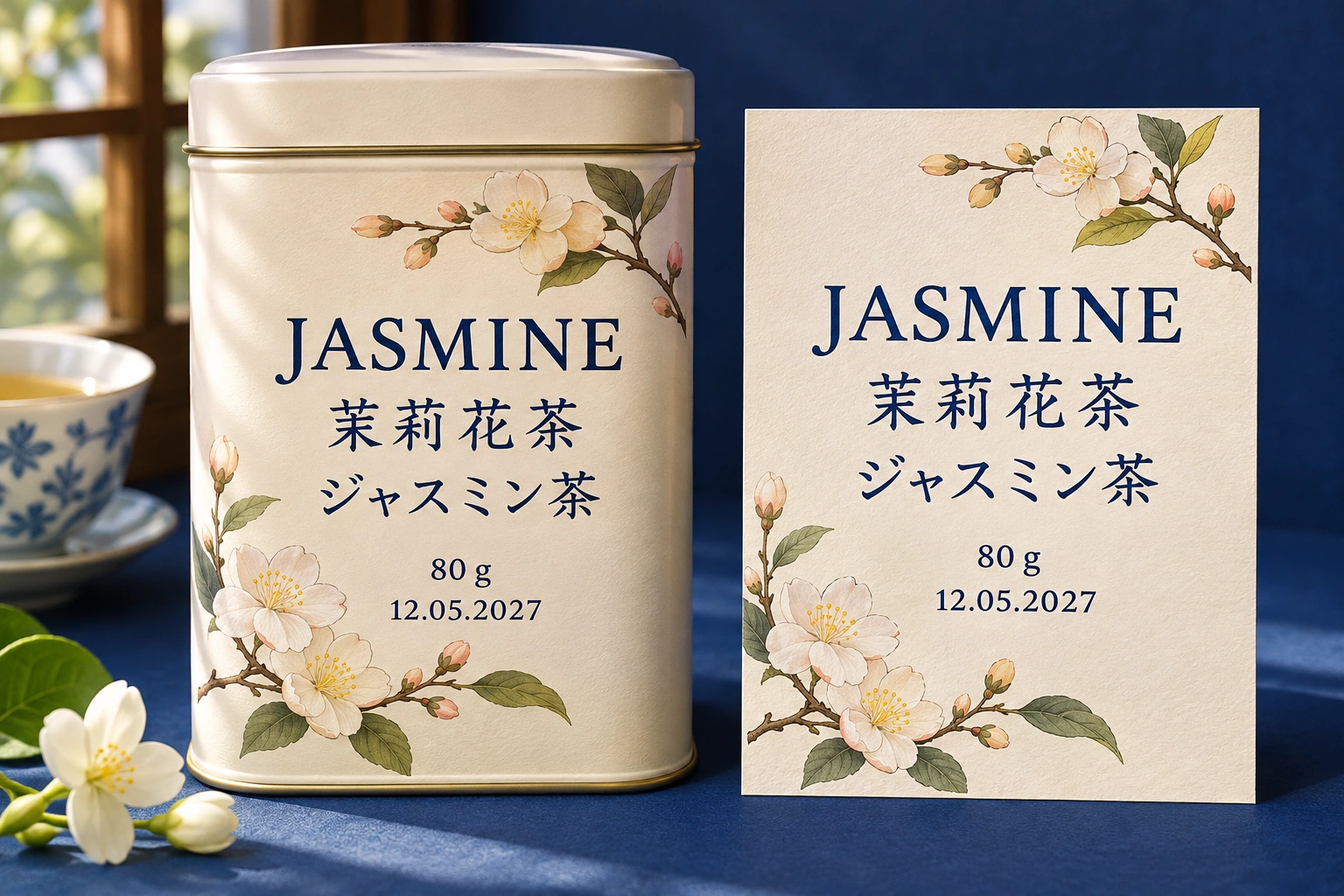
Packaging and posters need more than a convincing picture. Seedream 5.5 places headlines, short descriptions, weights, dates and prices inside the design, with support for different writing systems. Give it the exact wording and describe the visual hierarchy. A tea label, event card or product insert can carry its main message and finer details in a coordinated layout, ready for a careful final proofread.

Try Seedream 5.5

Create Transparent Assets with Clean Edges

Generate a product, sticker or graphic on a transparent background, or use a reference to isolate an existing subject. Seedream 5.5 keeps the edge of the object clear while retaining partial transparency in glass and soft shadows. Place the result over a new color, photograph or layout without carrying a solid background into the next design.

Try Seedream 5.5

Separate a Finished Image into Reusable Layers

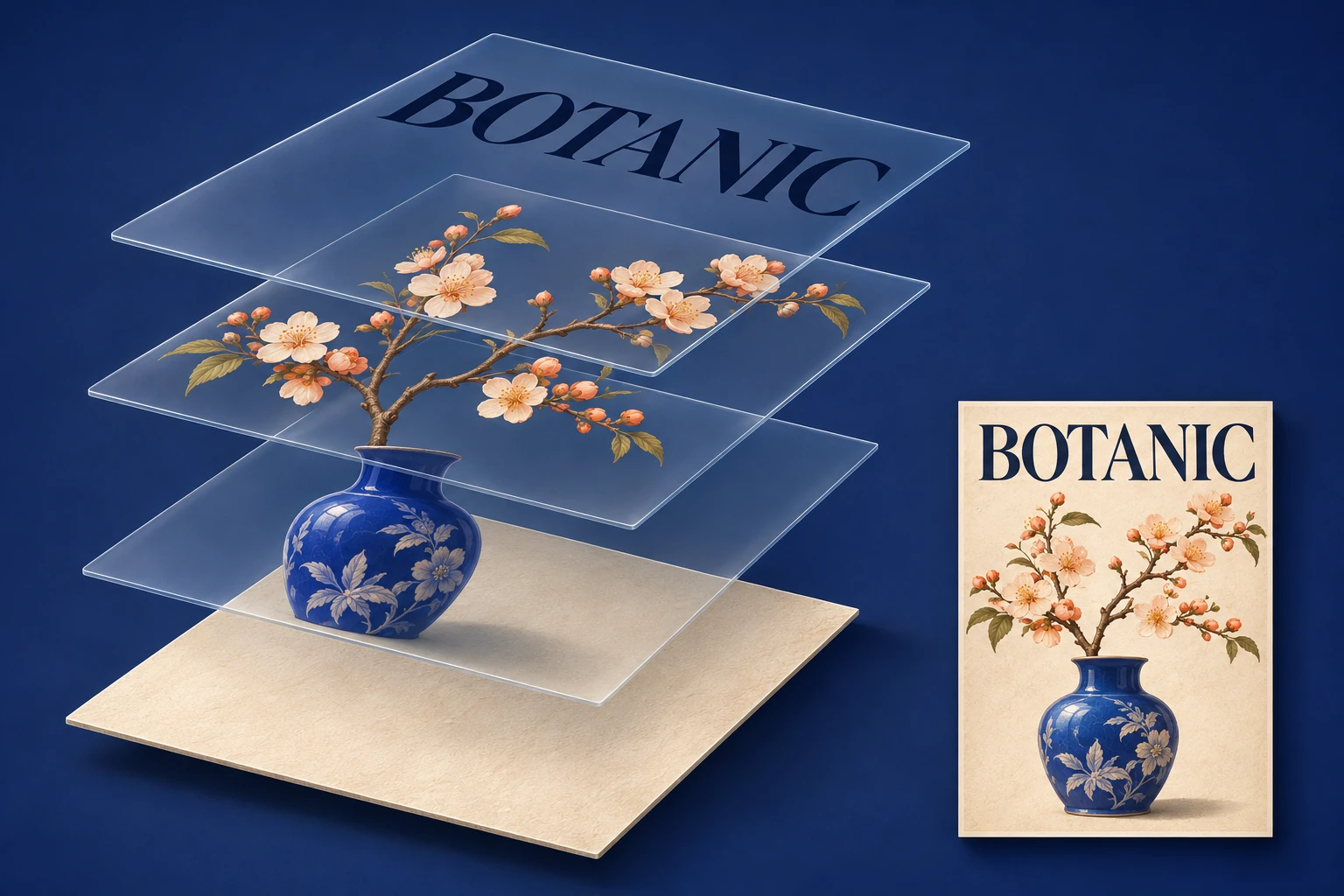
A finished composition can become the starting point for another format. Seedream 5.5 separates backgrounds, objects and text into as many as 100 individual layers, including elements with partial transparency. Move a product, replace a headline or reuse a botanical illustration without rebuilding every part. Text recognition also helps carry the wording into revised copy, translations and reusable design templates.

Try Seedream 5.5

How to Use Seedream 5.5

Start with a clear image brief, add references where they help and review the details before you download.

STEP 01

Describe the Image or the Edit

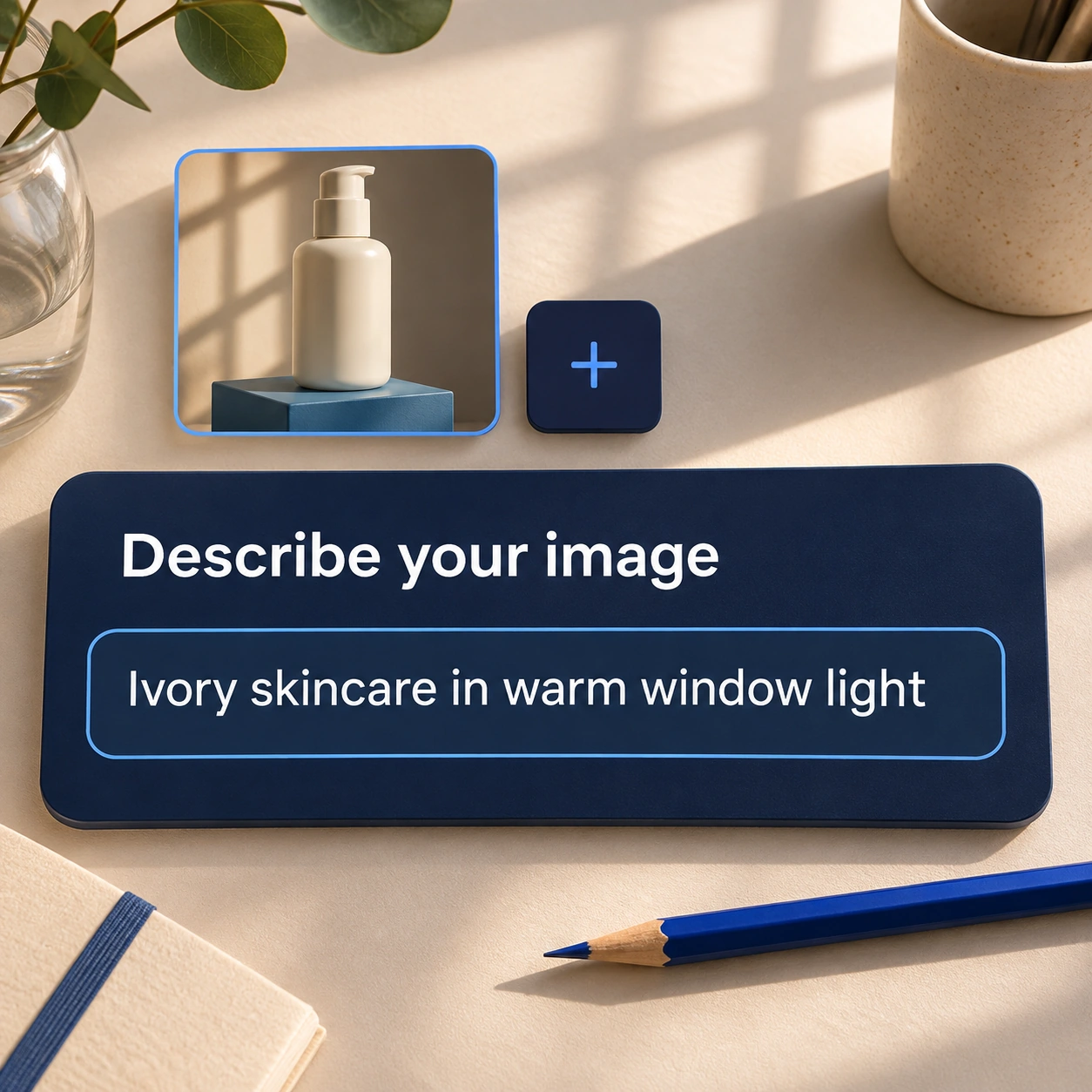
Choose Seedream 5.5 and describe the subject, composition, lighting and style. Add reference images for a person, product or existing design. When editing, state which detail should change and which parts should stay the same.

STEP 02

Choose the Output Settings

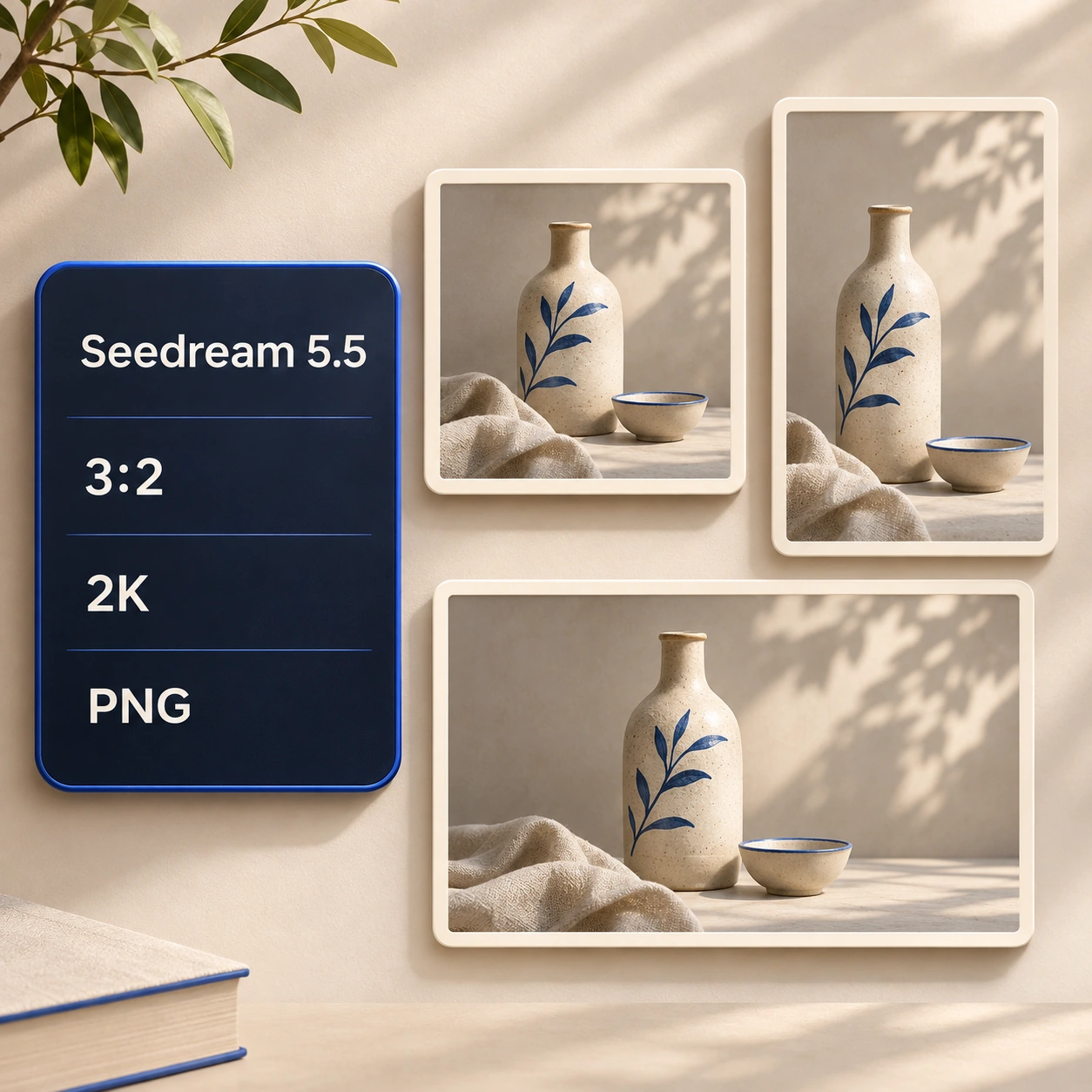
Select an aspect ratio and the available output quality for your layout. Choose a transparent background when you need an isolated asset, and review the format and displayed credit cost before generating.

STEP 03

Generate, Review and Refine

Inspect the composition, product details and any lettering. If a change is needed, use the result as a reference and request one focused revision. Download the image when the details match your brief.

Seedream 5.5 Use Cases

Develop product campaigns, adapt designs for different markets and prepare visual references that a team can work from.

Test New Directions for a Product Campaign

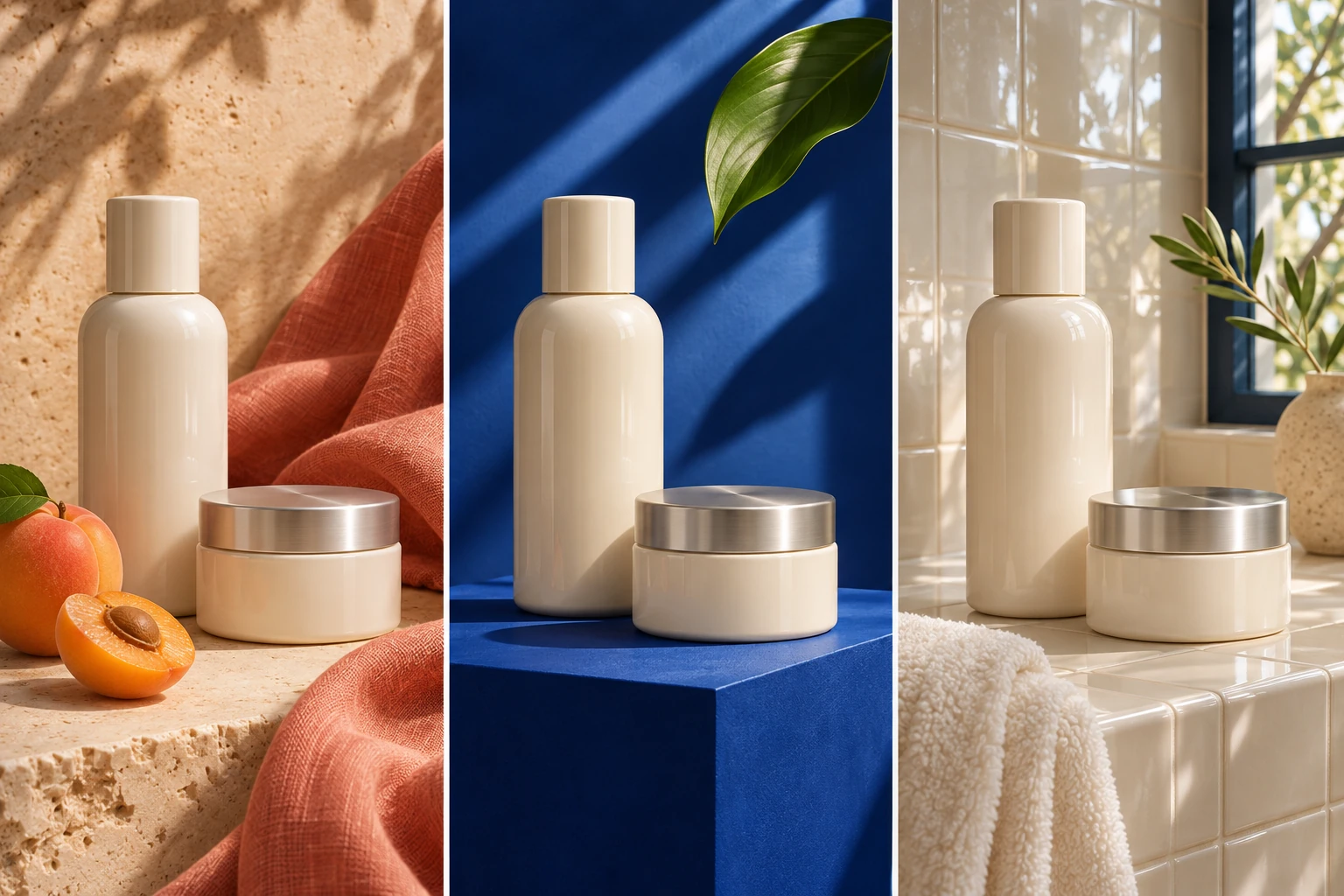
Keep an approved product design while exploring a warmer backdrop, stronger color contrast or a different setting. A skincare bottle can move from a studio plinth to a bathroom ledge without changing its shape or finish. Focus each variation on one decision, so the team can compare the effect of the background, lighting or supporting props before choosing a campaign direction.

Try Seedream 5.5

Adapt Posters and Packaging for Different Languages

Turn one visual direction into a set of language versions. Keep the artwork, spacing and color system consistent while changing a poster headline, package description or event details. Seedream 5.5 brings the text into the image itself, helping designers explore localized layouts before final production. Check spelling, punctuation, prices and dates in every version before it is shared.

Try Seedream 5.5

Build a Coordinated Brand Asset Kit

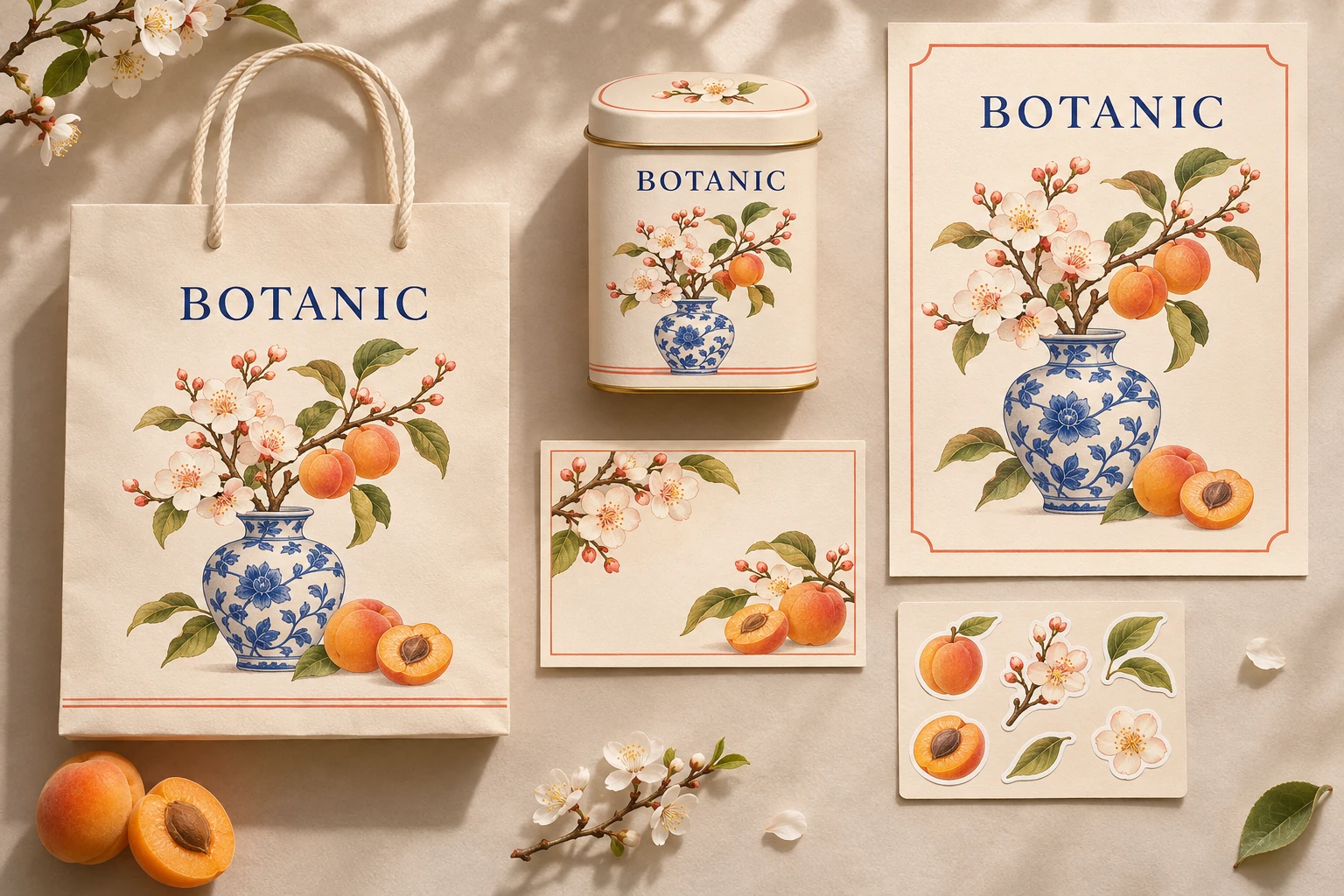
Carry a single campaign idea across a shopping bag, tea tin, postcard, poster and sticker sheet. Use references to connect the palette, illustration and product appearance, then create the elements each format needs. Transparent assets and separate layers make it easier to rearrange the same visual pieces instead of starting each item as an unrelated design.

Try Seedream 5.5

Prepare Character and Costume References

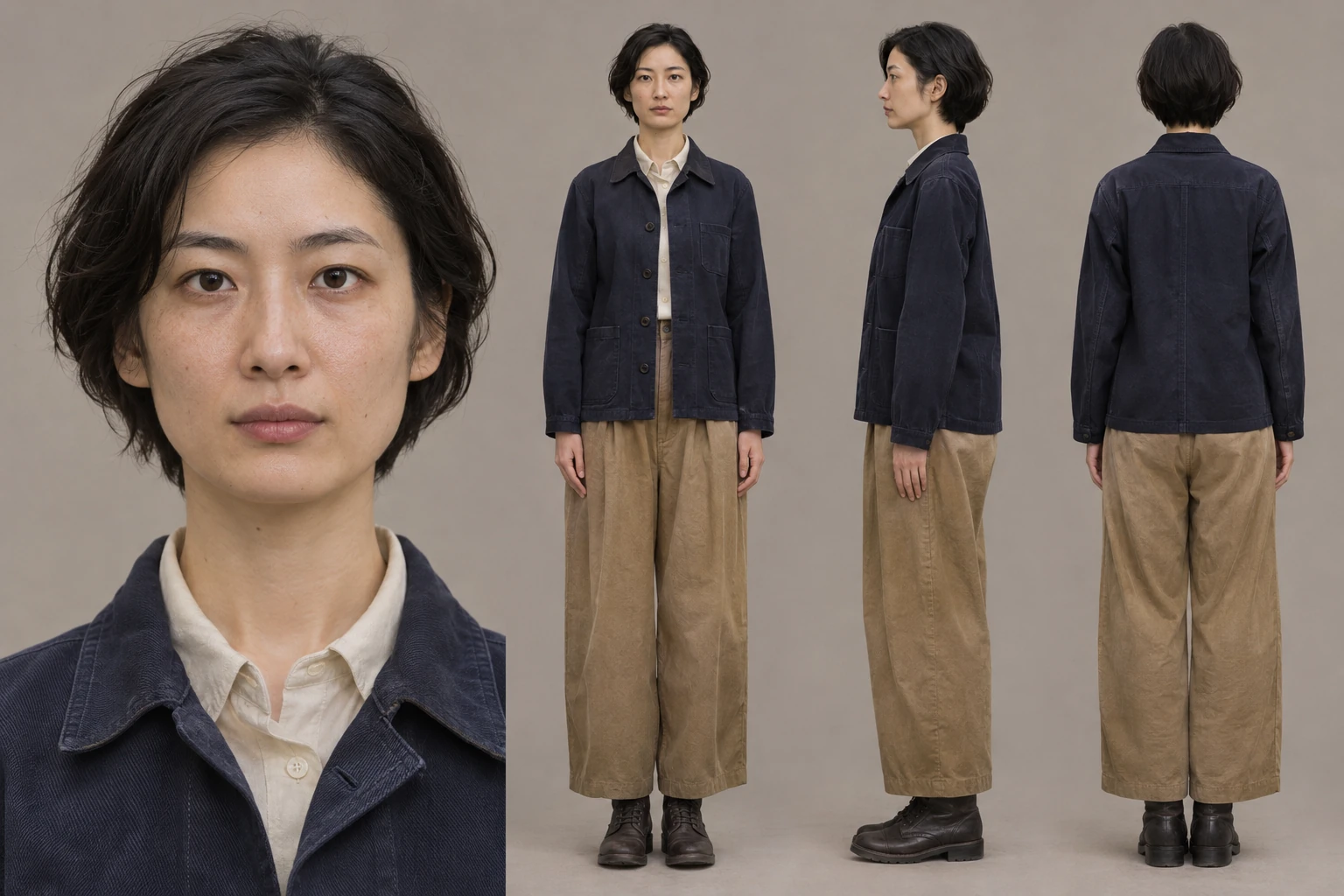
Give a production team a clearer view of a character before a shoot or illustration series begins. Build a reference sheet with a face close-up and coordinated front, side and back views. Describe the clothing, proportions and details that should remain consistent, then use the sheet to discuss styling, costume construction and the visual direction of later scenes.

Try Seedream 5.5

Frequently Asked Questions About Seedream 5.5

Seedream 5.5 is ByteDance's image generation and editing model. It creates images from text and visual references, makes targeted revisions, renders multilingual text and supports transparent images and layer decomposition. It is useful for product scenes, portraits, packaging, campaign artwork and other designs that need both a clear composition and fine detail.

Create Your Next Image with Seedream 5.5

Bring a product, portrait or design brief. Generate a first version, refine the details and keep the visual elements you want to use again.

Try Seedream 5.5